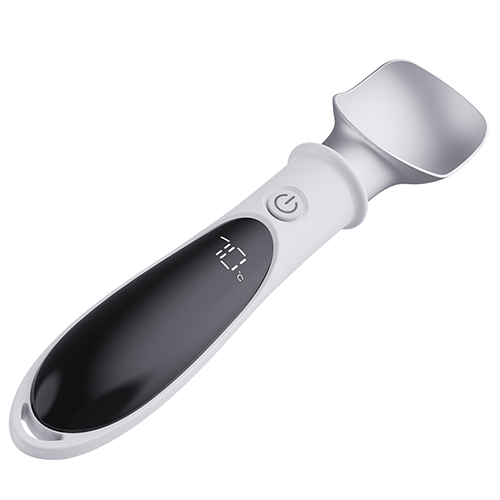

Thank you for choosing the Keewey Heated Ice Cream Scoop. This intelligent appliance is designed to make serving hard-frozen desserts effortless and mess-free. Please read this manual thoroughly before first use to ensure optimal performance and safety.>>Product Details<< >>Contact us<<
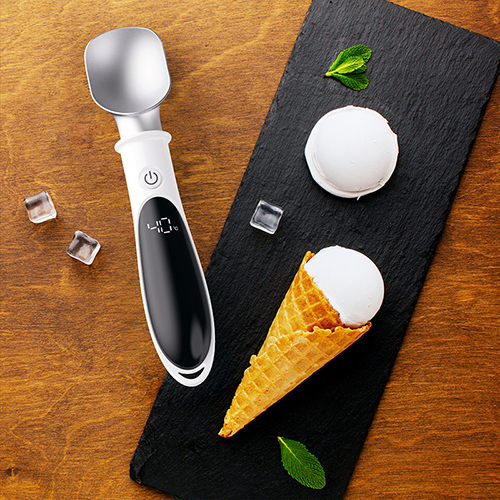
Step-by-Step Operating Guide
Step 1: Remove the child lock
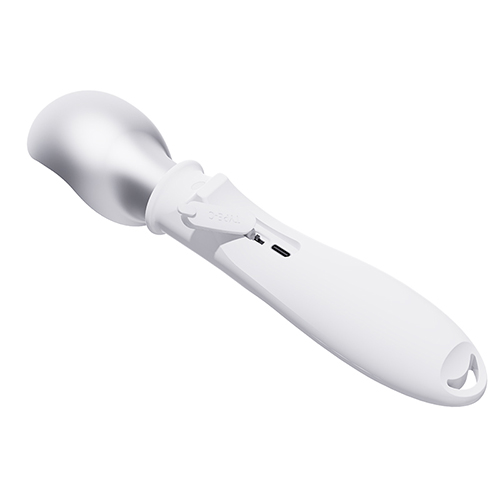
Push the child lock button. When the child lock button is in the "on" state, it indicates that the child lock has been released and the product has entered the standby mode.
Step 2: Power on
After removing the child lock, press and hold button for 1.5 seconds to turn on the device. The default operating mode upon startup is gear 1 at 40℃.
Step 3: Set Your Desired Temperature
The scoop has a total of four temperature settings: 40℃, 50℃, 60℃, and 70℃. Short pressing the button can switch the temperature settings. Select the temperature you desire. The temperature flashing continuously indicates it is heating up, and when it reaches the temperature range, the temperature will remain illuminated.
Step 4: Scoop
When the selected temperature setting remains illuminated, it indicates that the scoop is ready and you can start scooping the ice cream. Press the heated scoop into the ice cream, and use a smooth twisting motion to scoop out a round and perfect portion of ice cream. It should be noted that during the process of scooping the ice cream, the scoop will lose its temperature, meaning the actual temperature is lower than the temperature setting you have chosen. The temperature indicator will flash, indicating that it is heating up.
Step 5: Power Off & Safety Lock
After scooping the ice cream, press and hold button for 1.5 seconds to shut down the device. The product will no longer heat up. Push the lock key to the "off" position, indicating that the lock is activated and no further operations can be performed (rechargeable).
Important Notice
1. Charging
Connect via Type-C. When the scoop's battery runs low, the display will show 9℃ and flash. At this point, charging is necessary.During charging, the screen will display the battery level in real time. When it shows 100%, it indicates that the charging is complete.The charging time is approximately two hours.
2. Cleaning
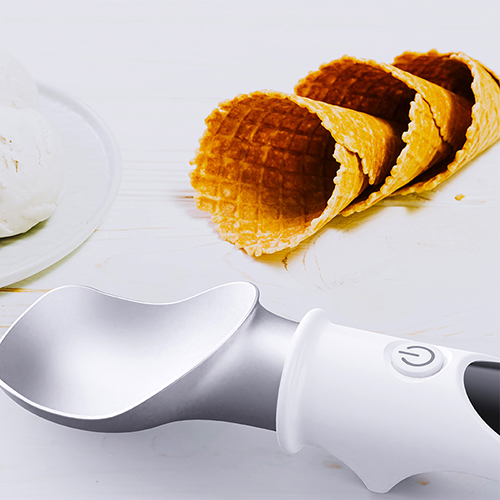
Before cleaning, you can first turn off the scoop. Then, rinse the remaining ice cream on the scoop head with water and wipe it clean with a cloth or paper towel.
3. safety warnings
When using a scoop, do not touch the tip of the scoop directly with your hands as it will heat up and may cause burns.